

Vsol V2804AX15 Modem
How to view devices connected on your modem
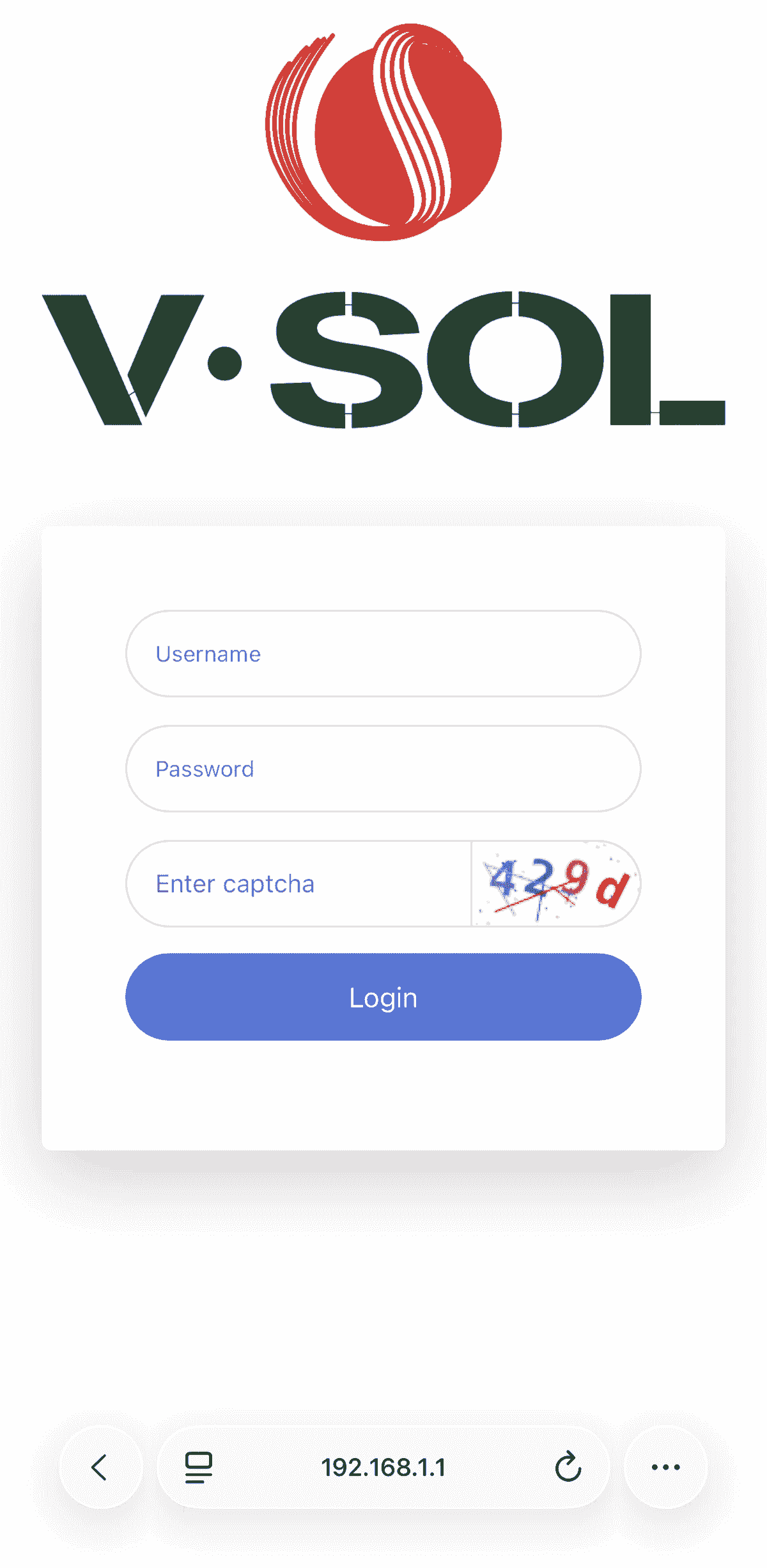
Login to Web Gui
- Open Browser
- Type 192.168.1.1 press Enter.
- Enter username and password (Can be found on the sticker under the modem or in the box)
- Enter verification code
- Click Log In
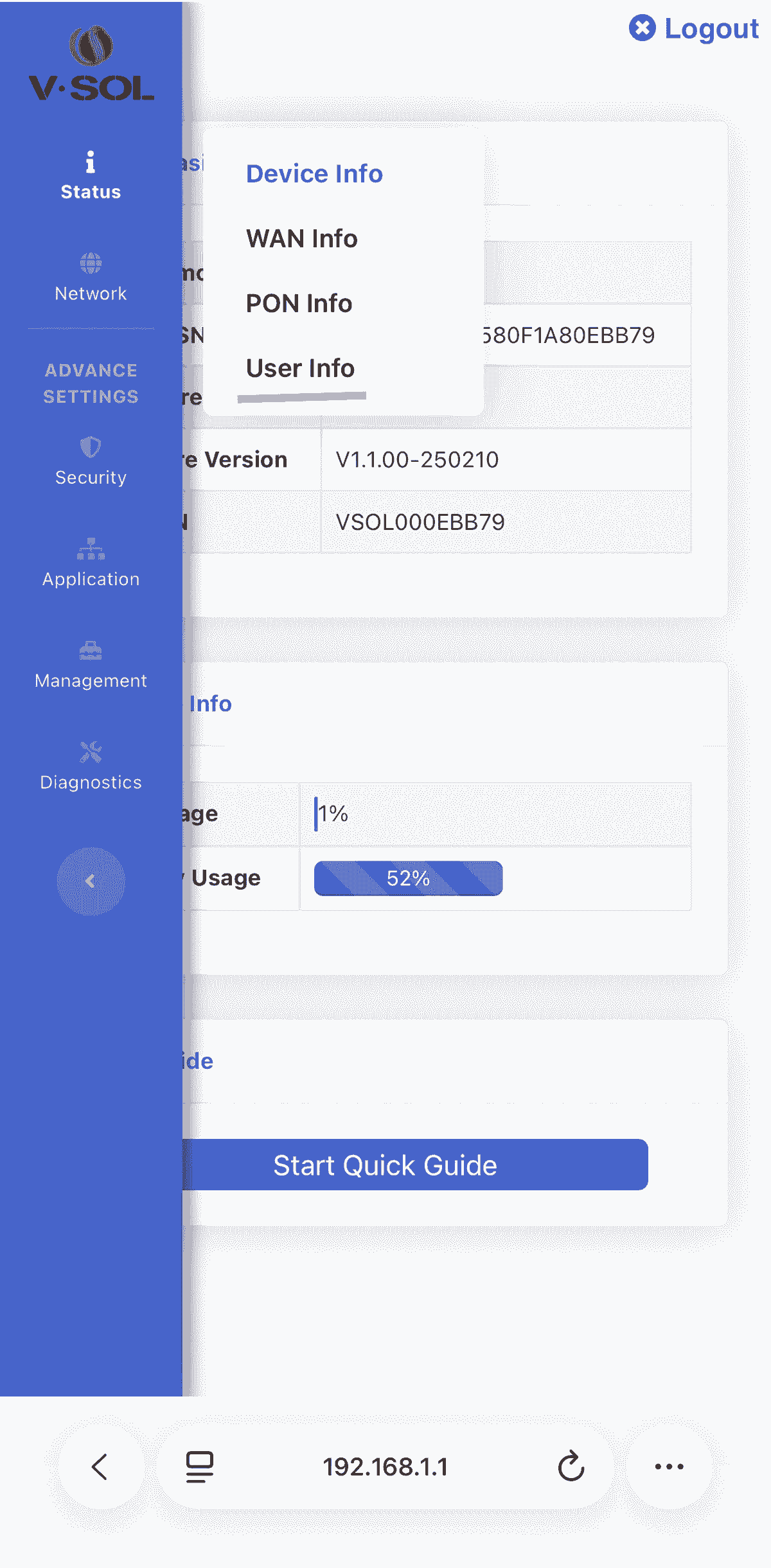
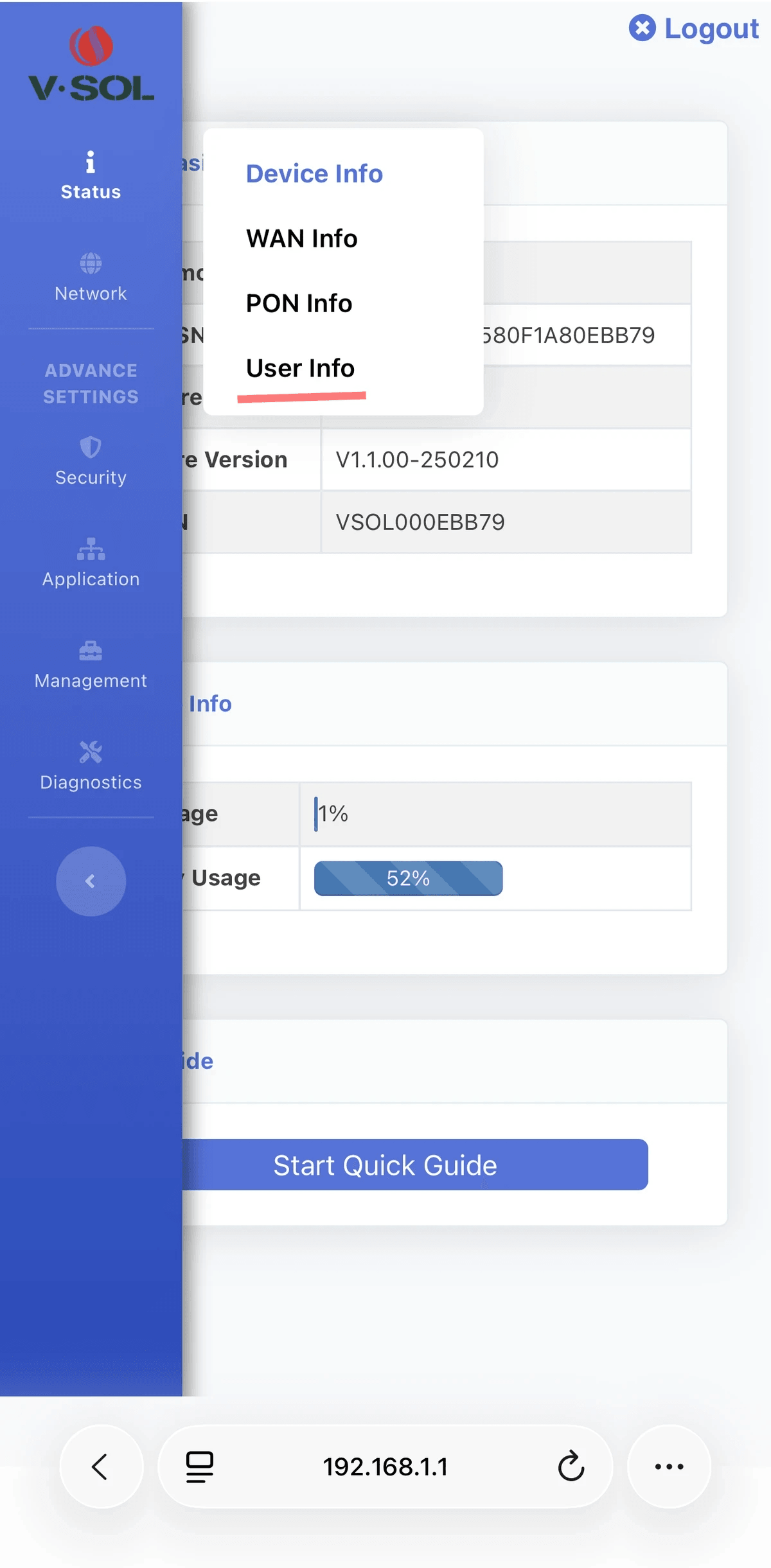
Click the 3 lines on the top left corner
- Click Status - User Info
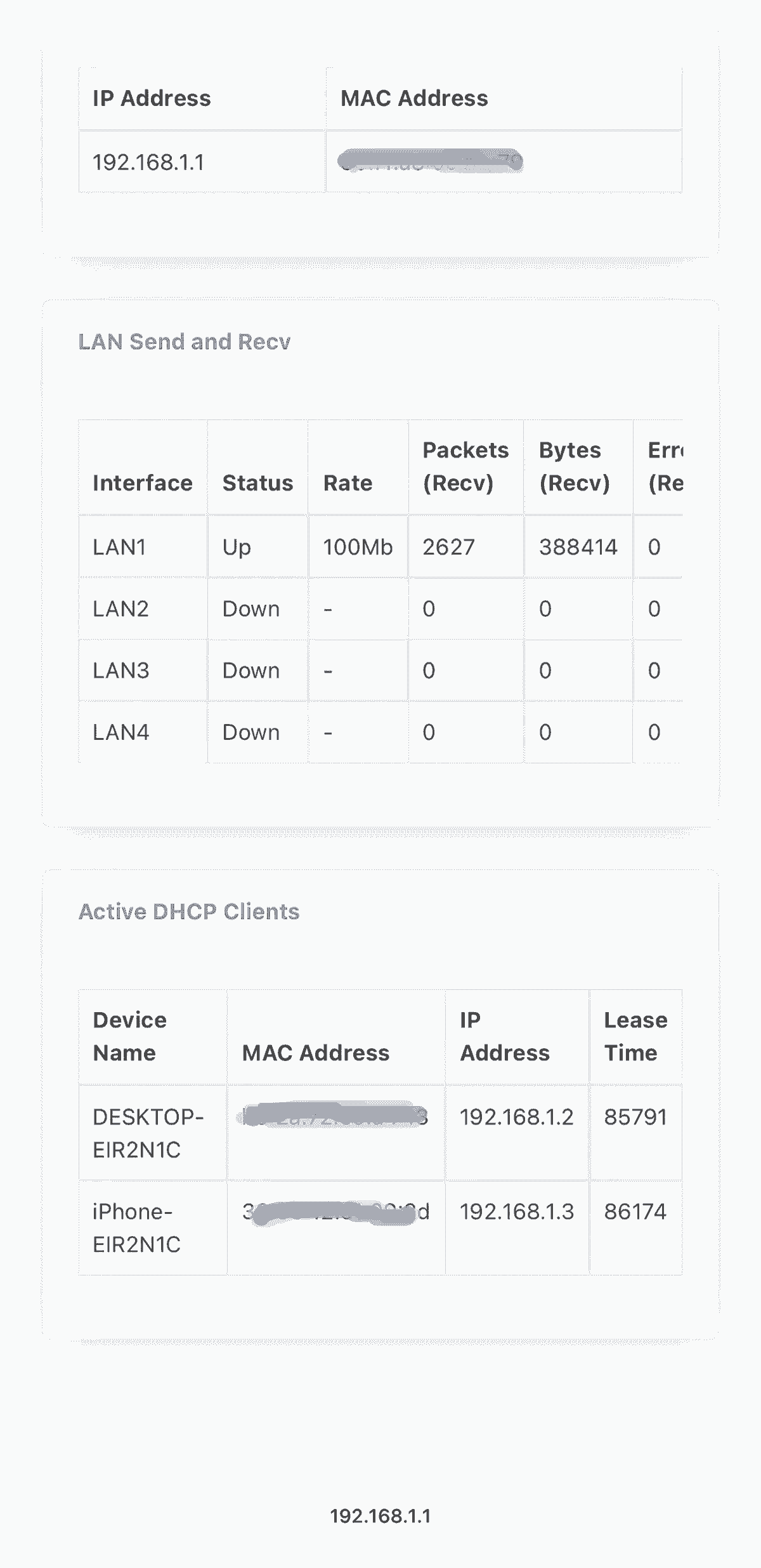
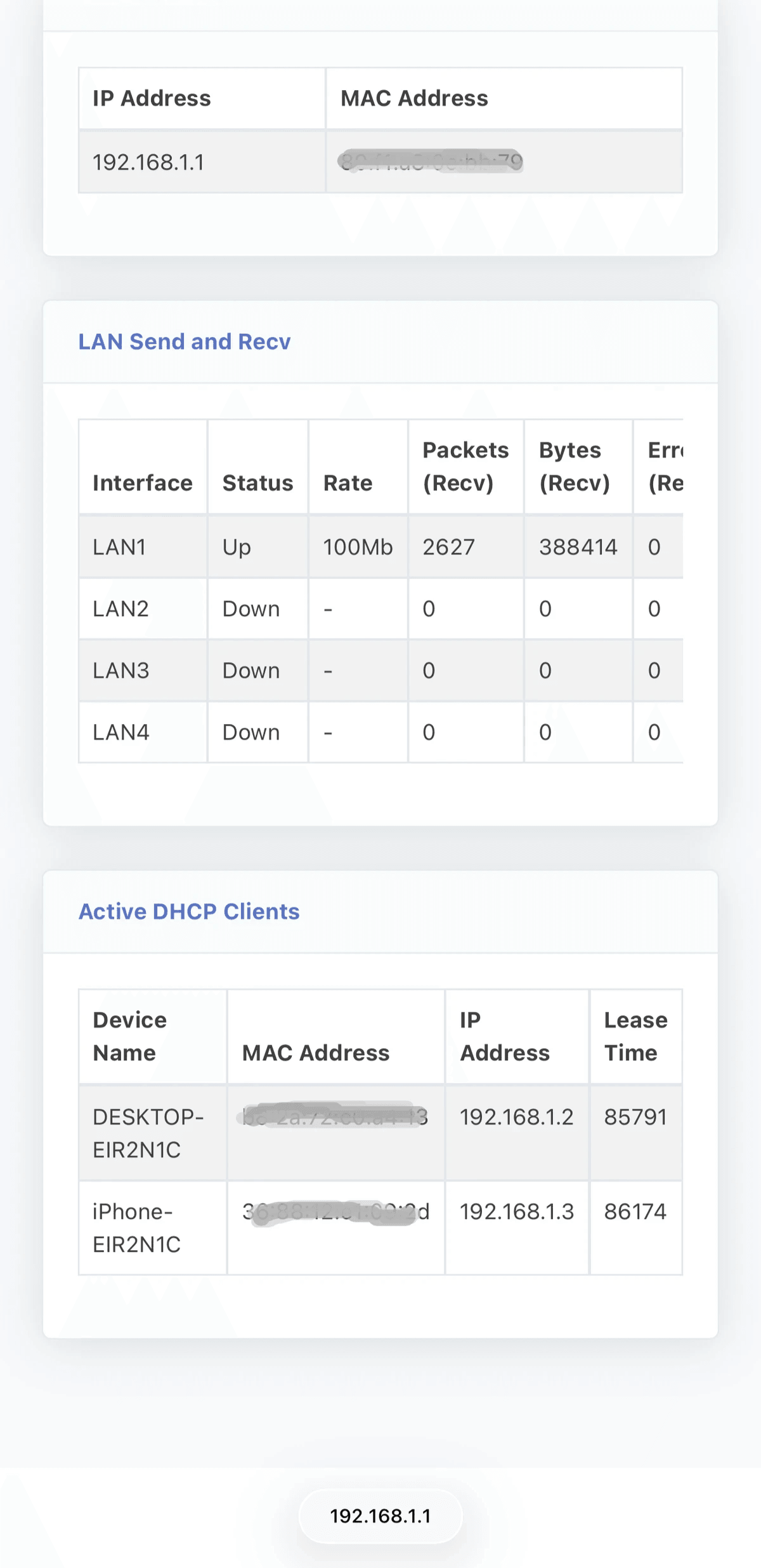
Active DHCP Clients
- Scroll down to Active DHCP Clients and you will see all connected devices.
Powered By
