

Vsol V2804AX15 Modem
How to change Wi-fi Name and Password
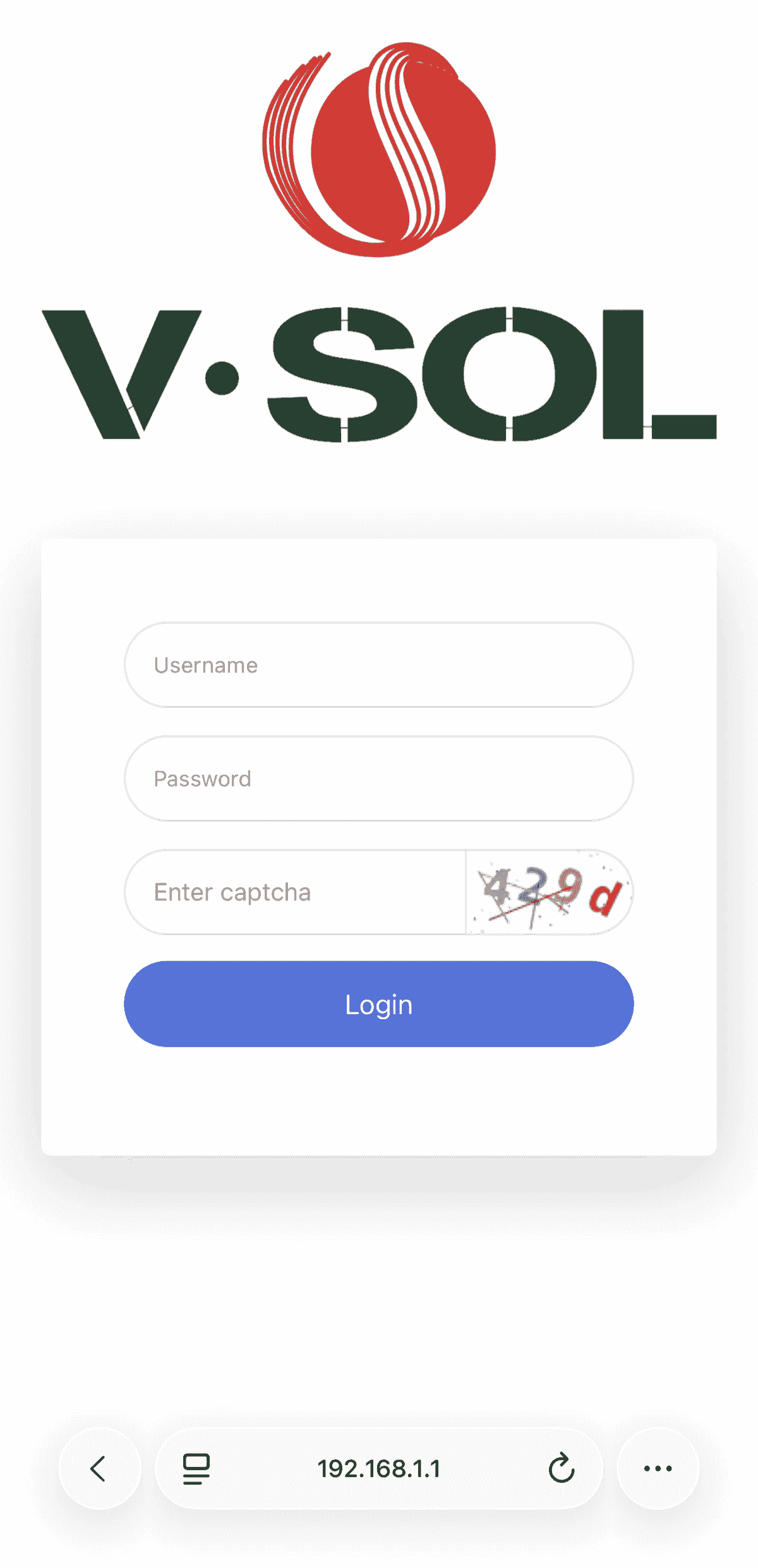
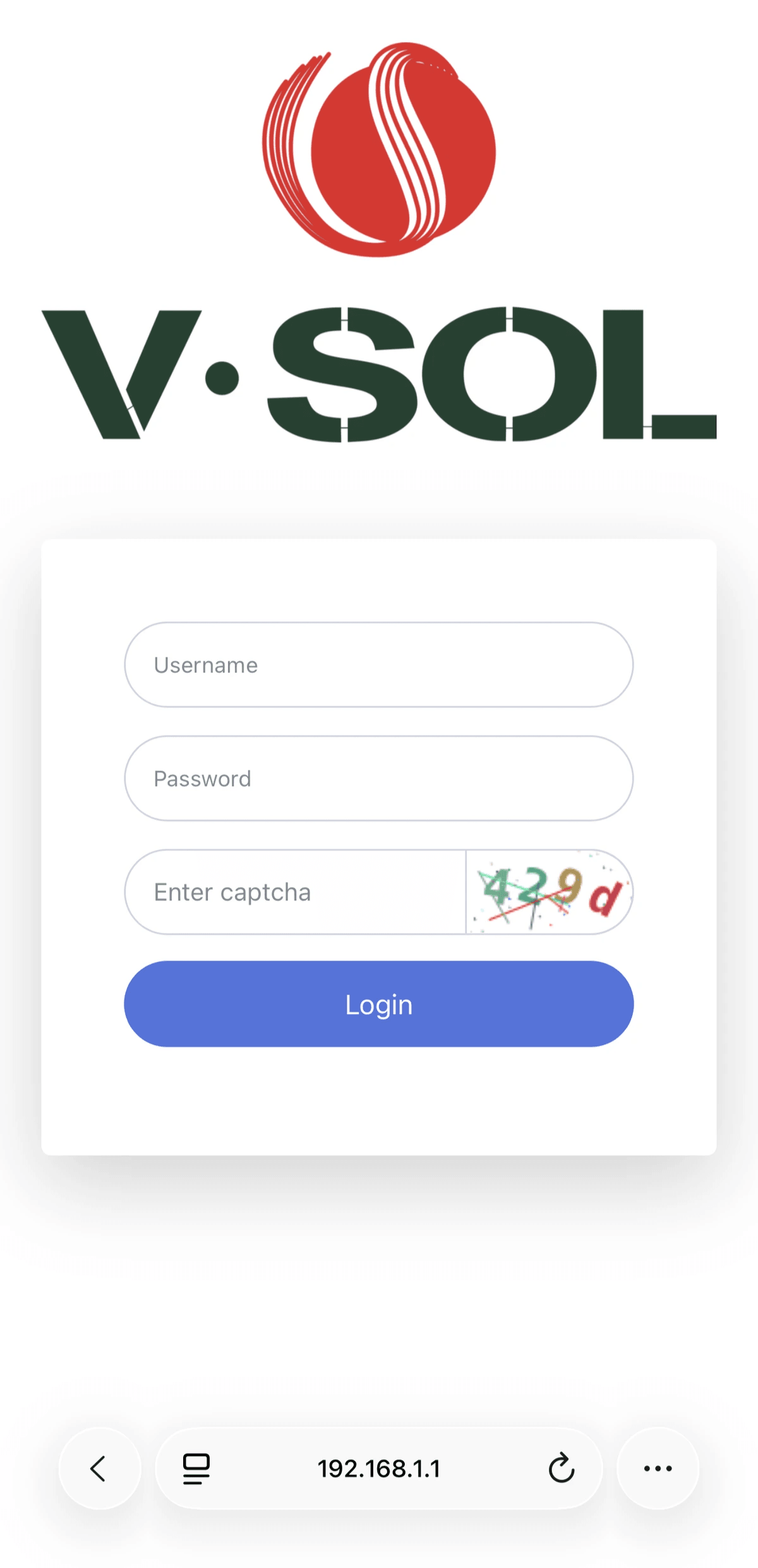
Login to Web Gui
- Open Browser
- Type 192.168.1.1 press Enter.
- Enter username and password (Can be found on the sticker under the modem or in the box)
- Enter verification code
- Click Log In
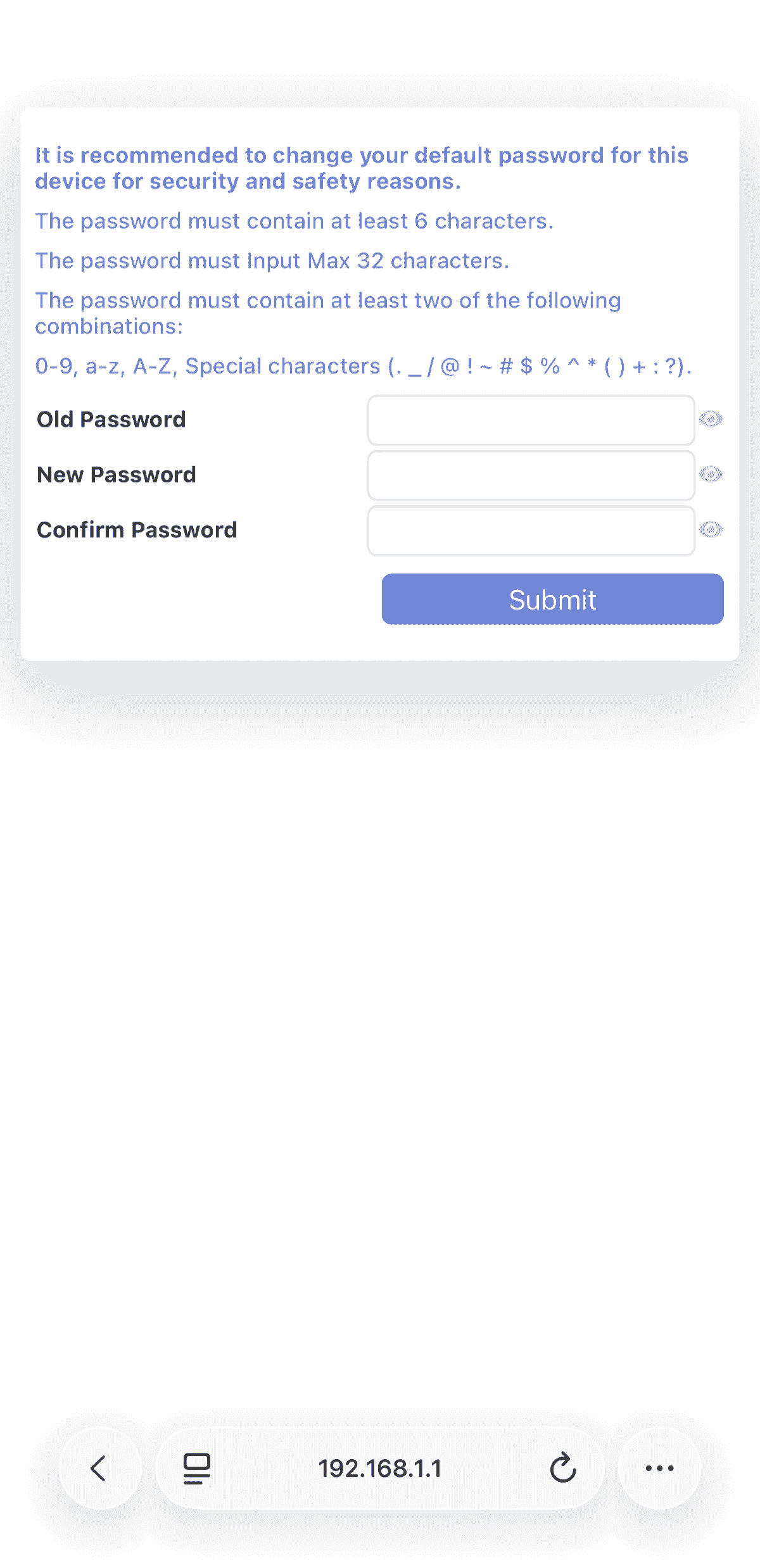
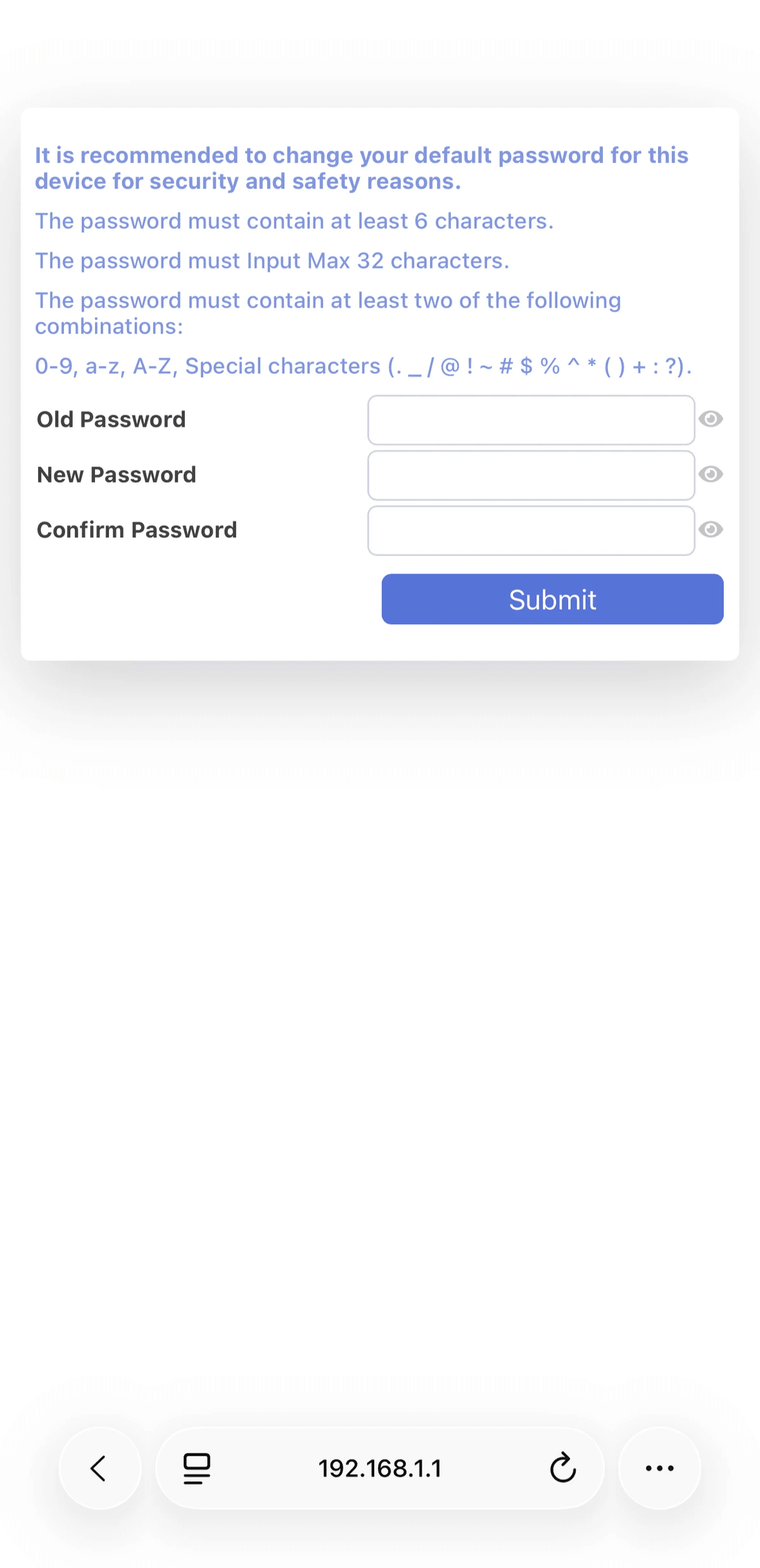
On first setup you need to change the default password.
Please remember your New Password (Must be different from your WiFi Password.
Click Submit then relogin using your new Password.
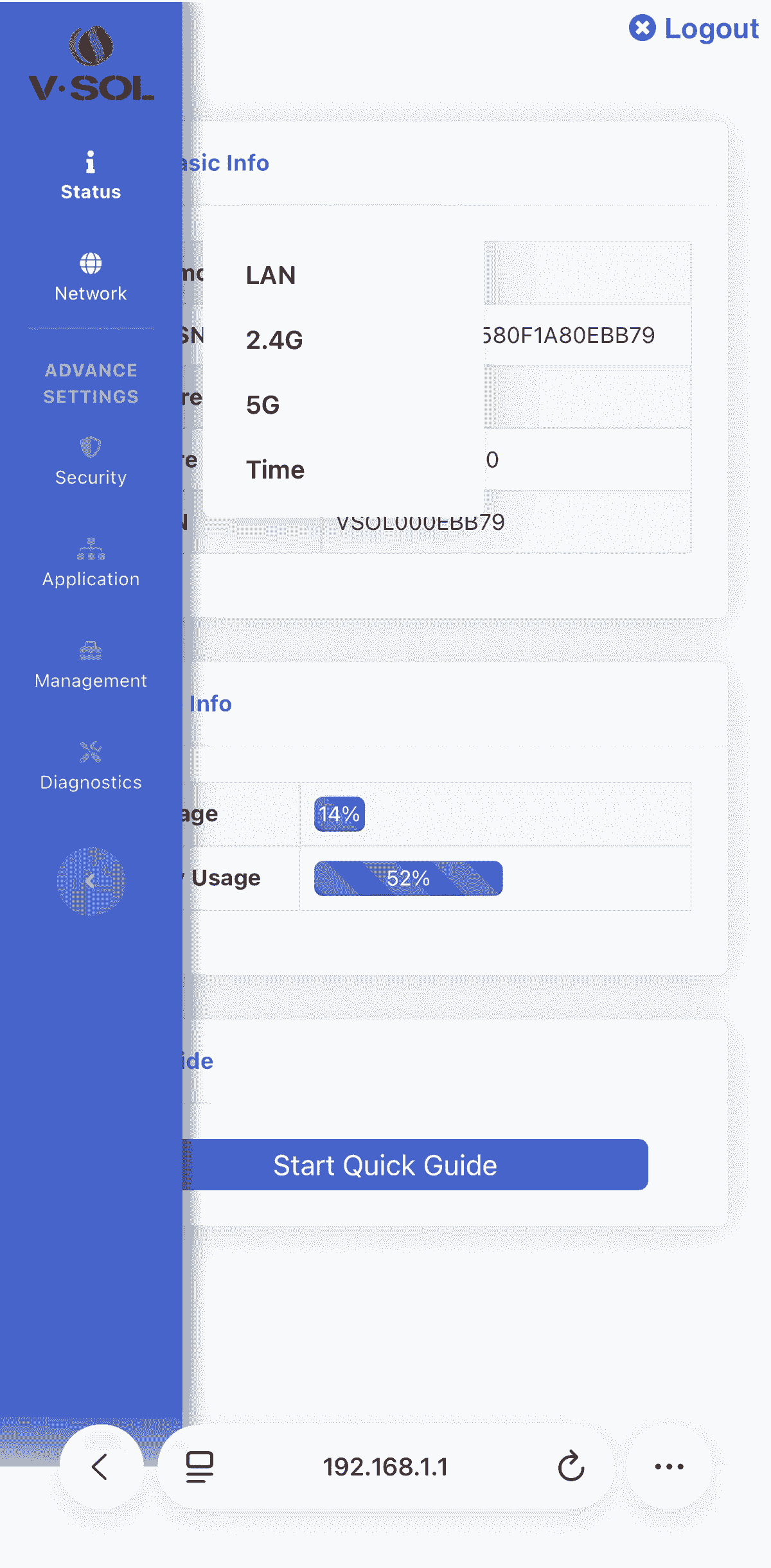
2.4G
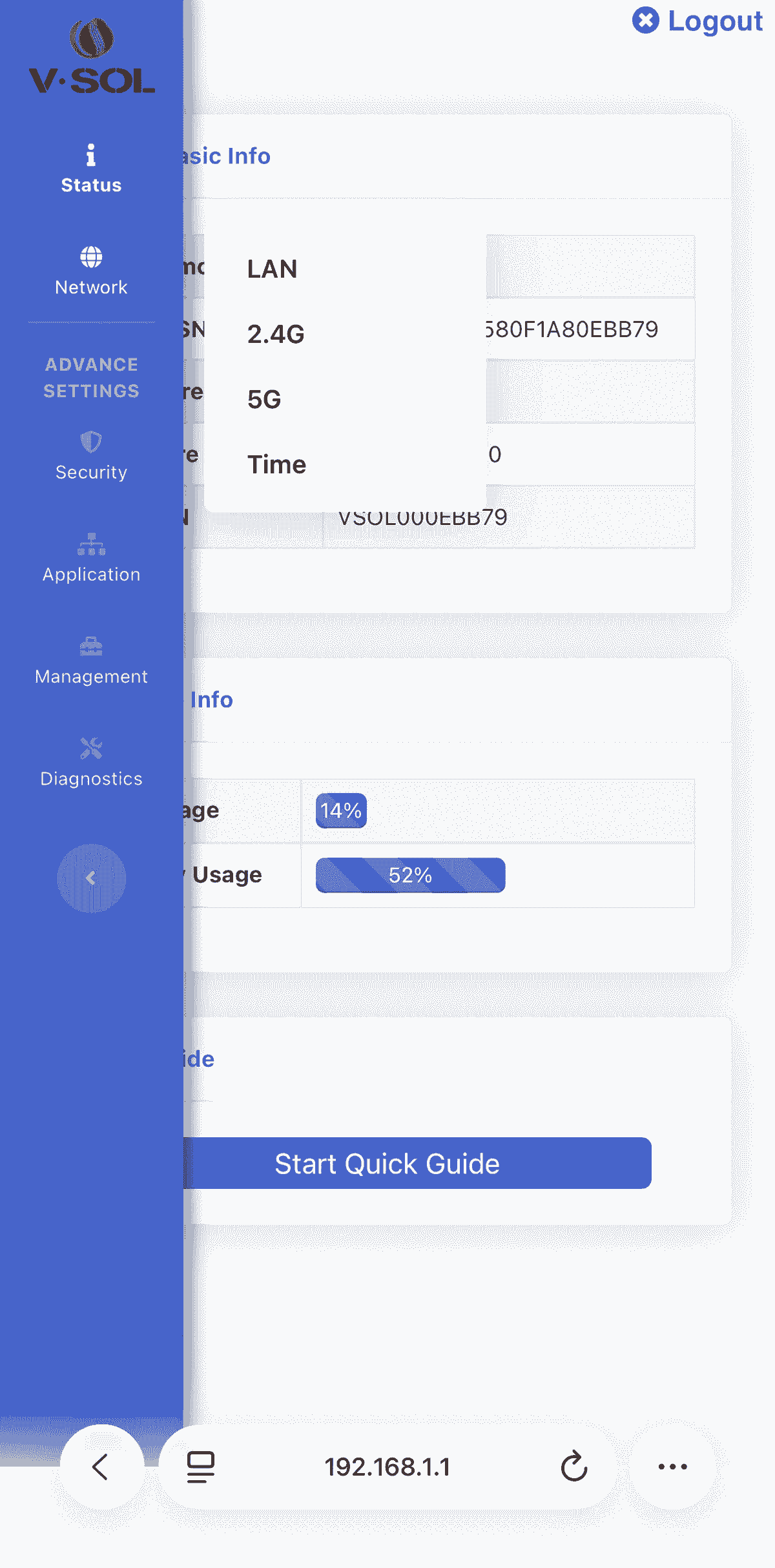
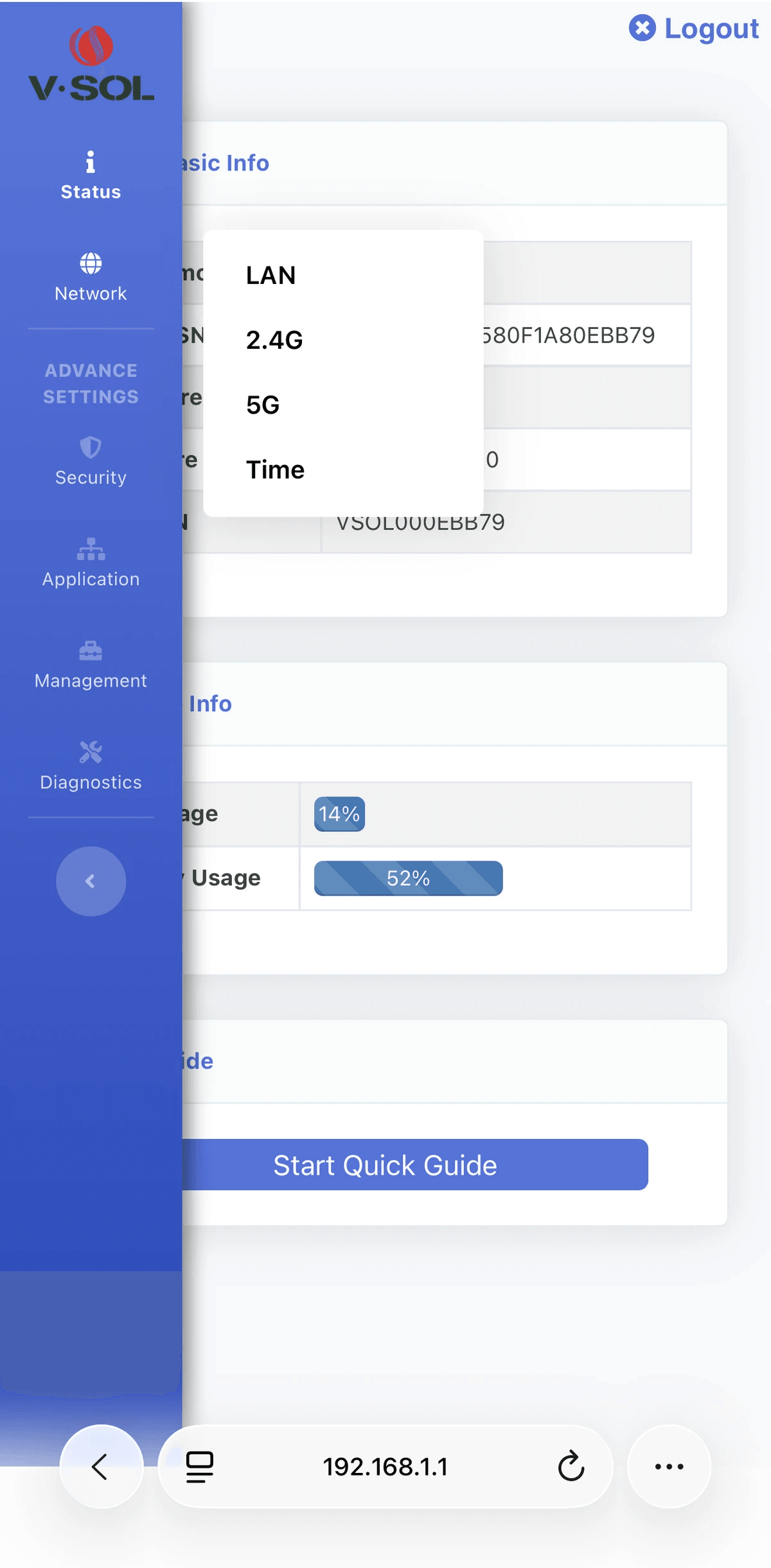
- Click the 3 lines on the upper left
- Click Network - 2.4G
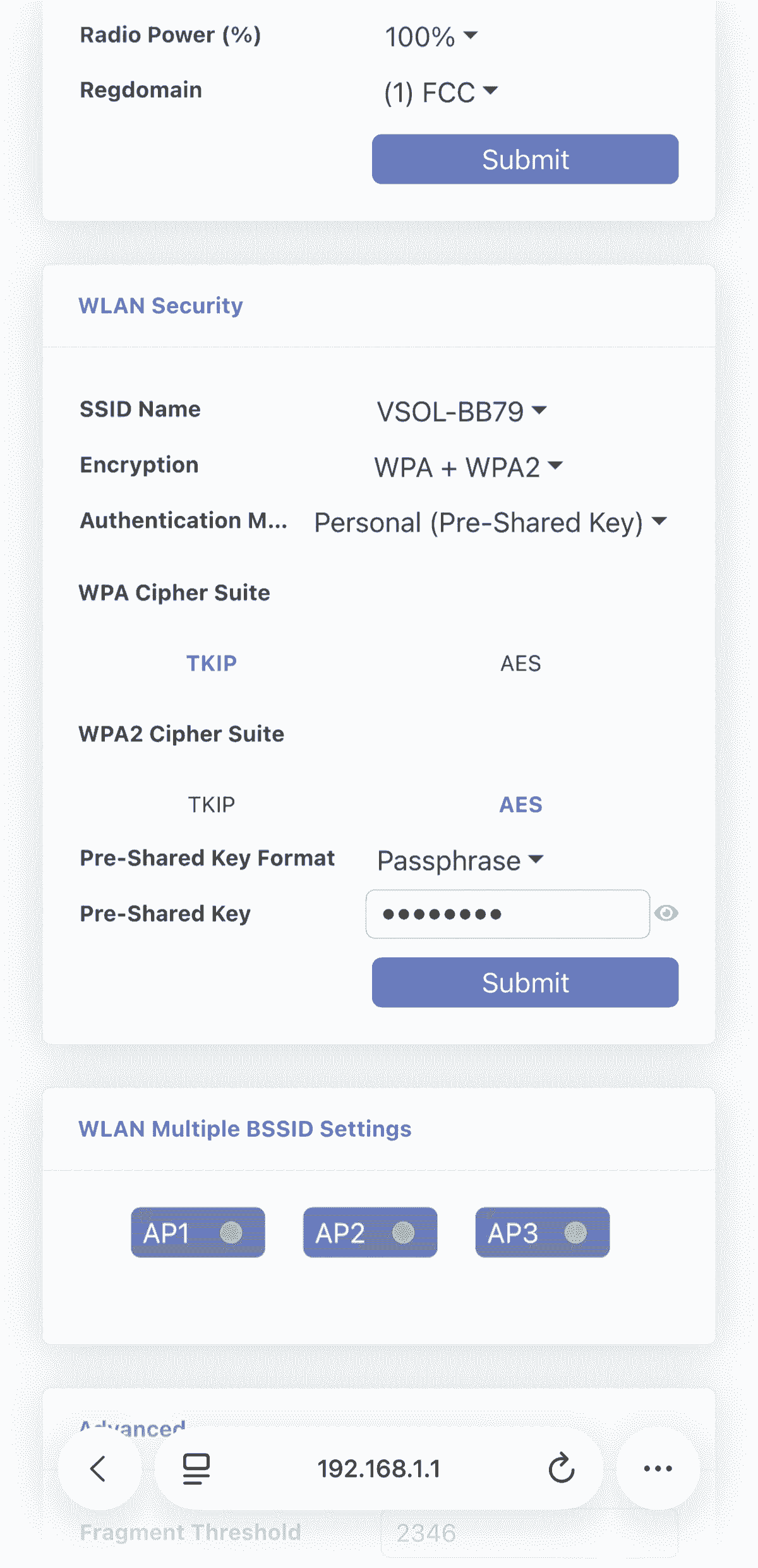
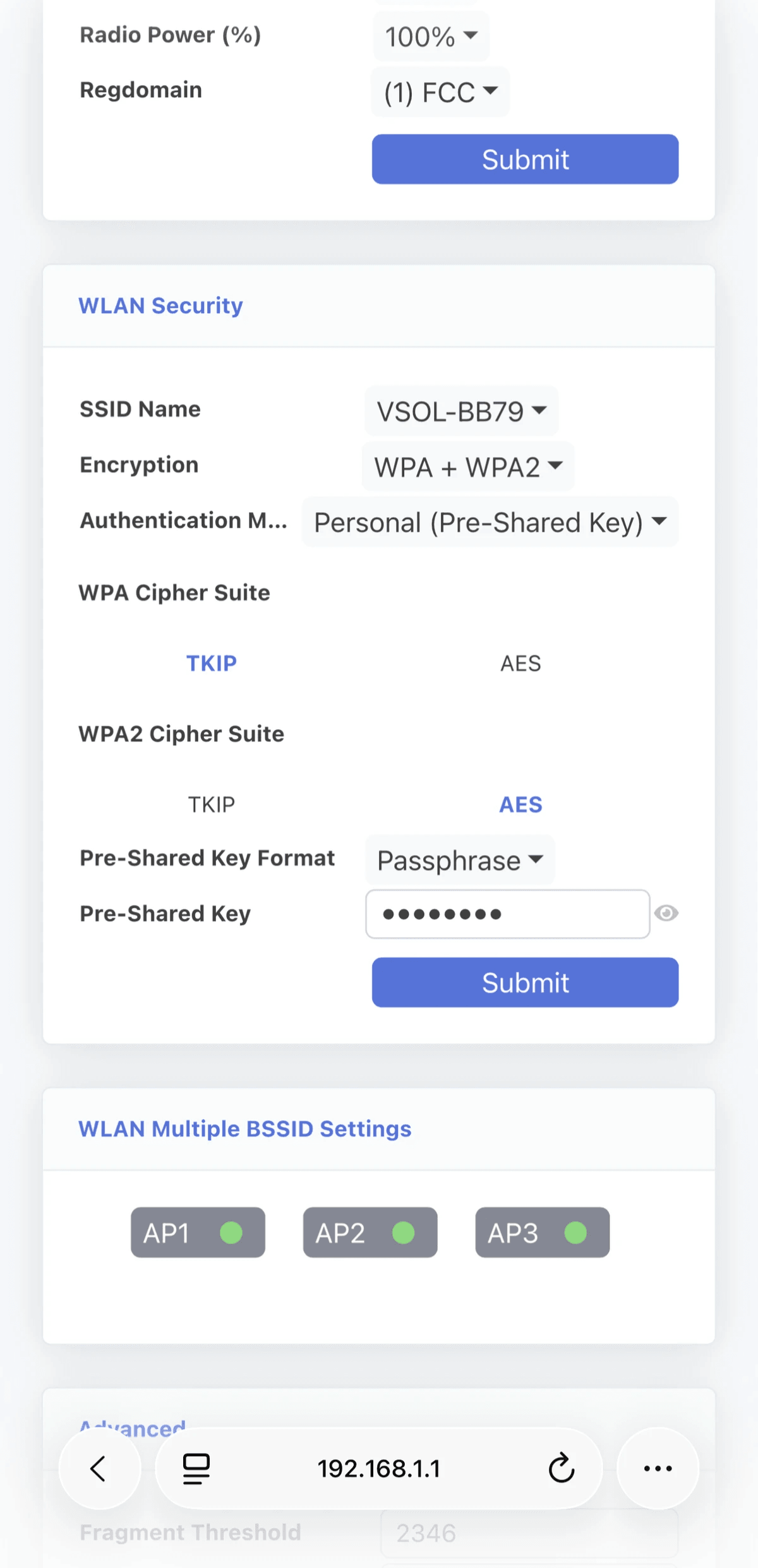
2.4G
- Scroll down to WLAN Security
- On Pre-Shared Key type your new WiFi Password then click Submit
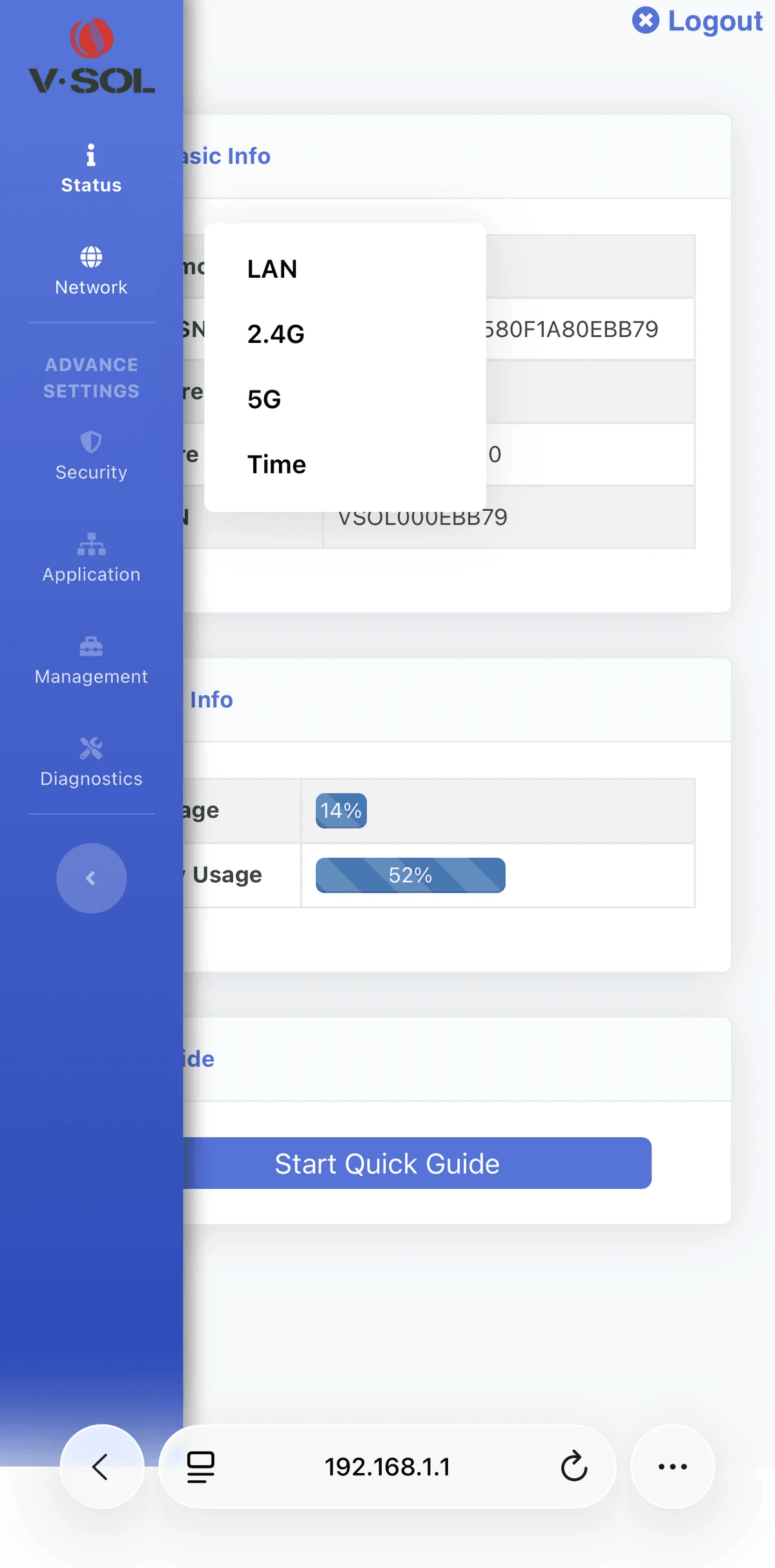
5G
- Click 5G
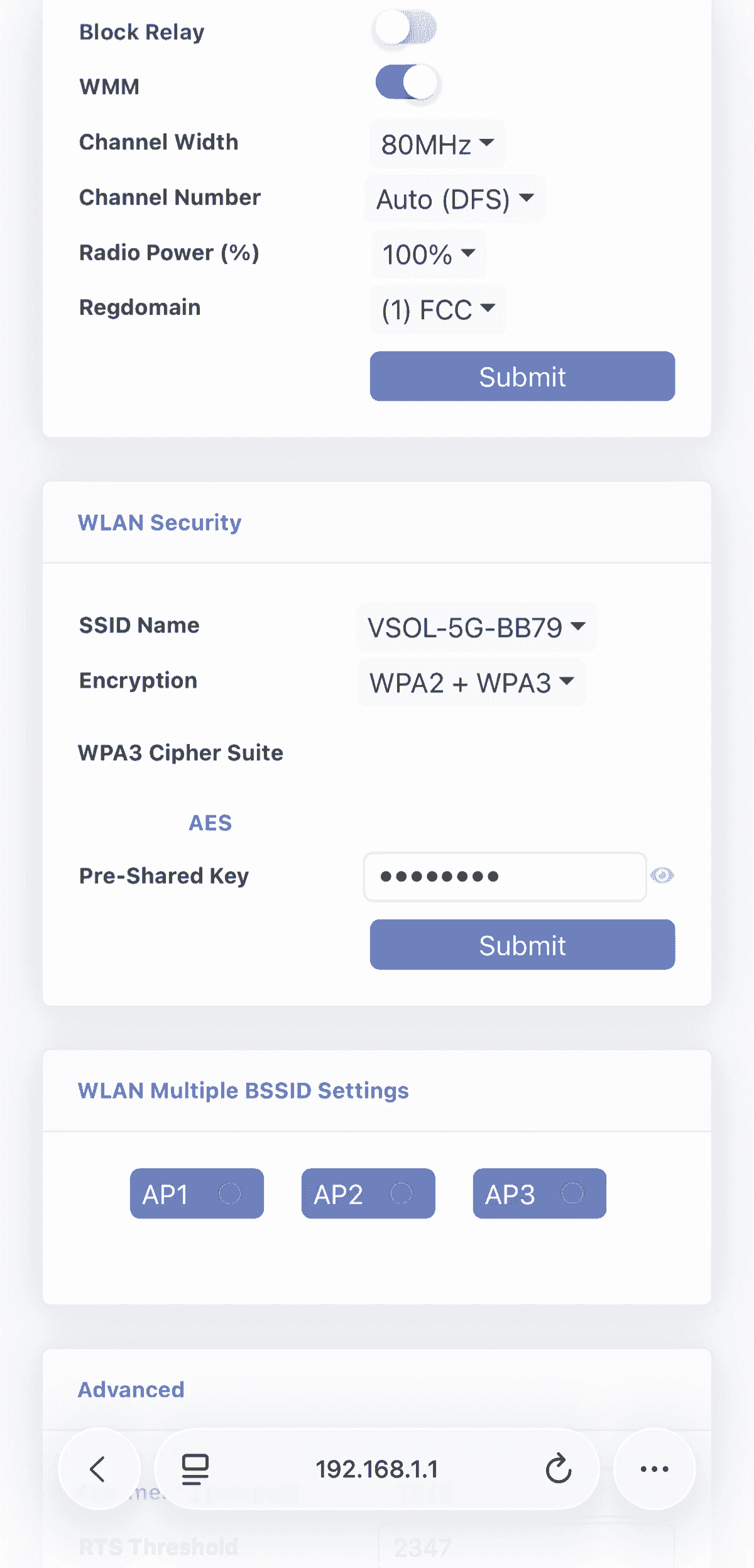
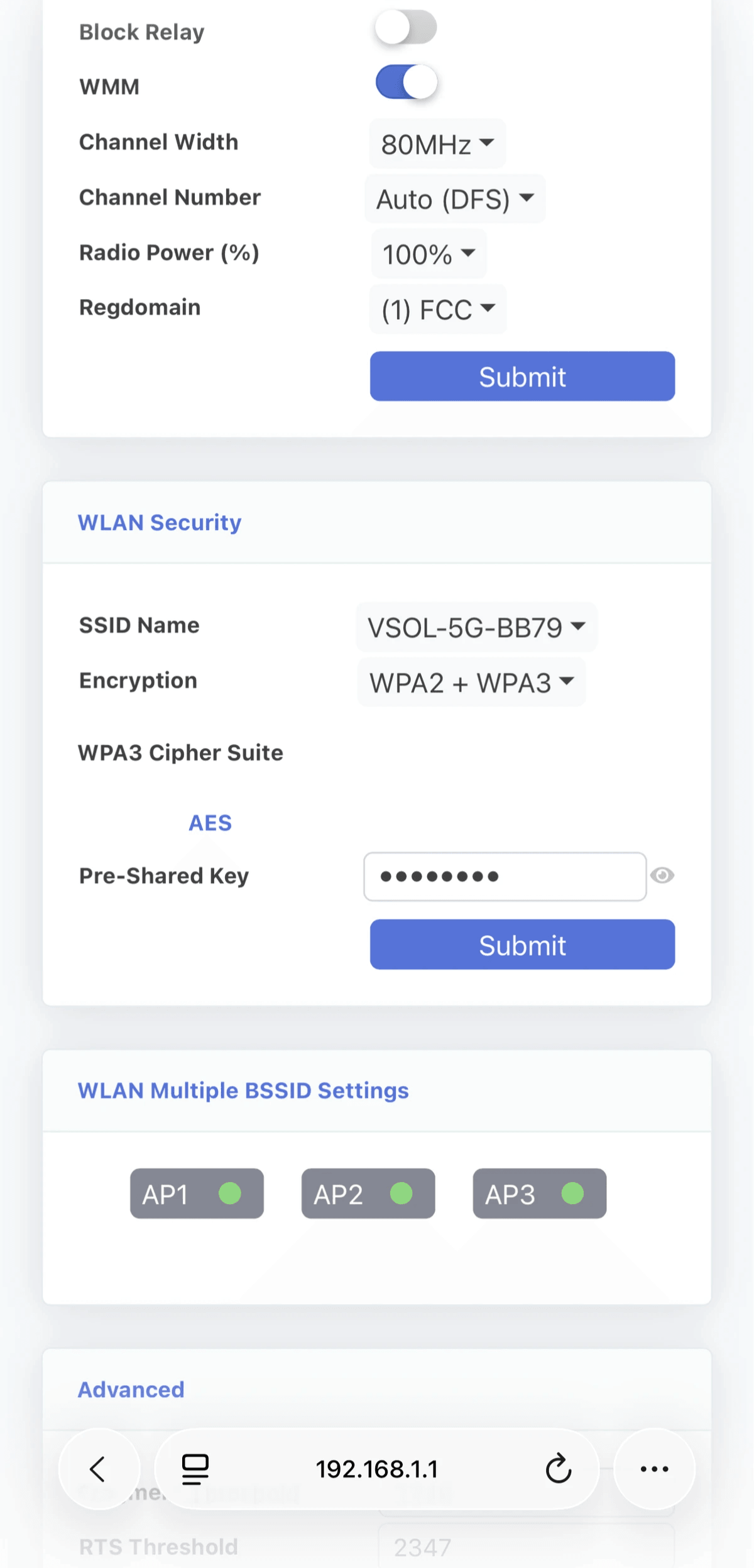
5G
- Scroll down to WLAN Security
- On Pre-Shared Key type your new WiFi Password then click Submit
Powered By
